This page is the complete Game is Hard answers guide for all levels, from Level 1 to Level 278 on Android plus the 11 levels found only on iPhone. Every level links to its own solution page with hints you can open one at a time, a step by step walkthrough, and a picture or short video of the answer, so you can pick between a small nudge and the full solution.
Use the search box to find any level by number or by a word from its title, then switch between Android and iPhone numbering if your level looks different. Below the level list you will find tips and tricks, the levels that need your phone’s sound, camera or compass, and answers to common questions. Think of it as a walkthrough and cheats guide that helps you get unstuck without spoiling more than you want.
About the game
Game is Hard from Unico Studio is a free brain teaser for Android and iPhone where every screen hides a trick. A level might show one short sentence and a couple of shapes, and the answer is almost never the obvious tap.
Some puzzles want you to shake or turn your phone, some need the sound on, and some only make sense if you read the words exactly as they are written. This page brings every answer together so you can jump straight to the one you are stuck on.
Find your level
 1Welcome! Let’s PlayAndroid 1iPhone 1
 2Can You Pass This Level?Android 2iPhone 2
 3Tap the Button Three TimesAndroid 3iPhone 3
 4This Box Is Too EmptyAndroid 4iPhone 4
 5Read a Hint If You Get StuckAndroid 5iPhone 5
 6Is This Really Level 9?!Android 6iPhone 6
 7I Love the Color PurpleAndroid 7iPhone 7
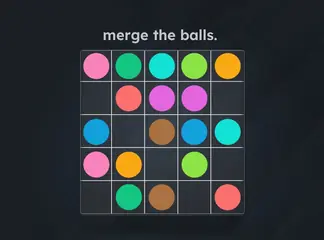 8Merge the BallsAndroid 8iPhone 168
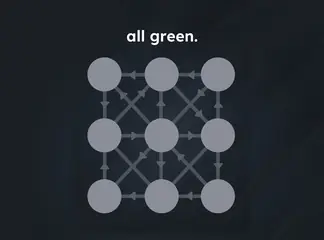 9All GreenAndroid 9iPhone 9
 10Is This Game Boring?Android 10iPhone 10
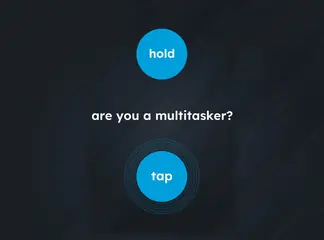 11Are You a Multitasker?Android 11iPhone 11
 12Score With Purple Three TimesAndroid 12iPhone 12
 13You Can’t Find Us!Android 13iPhone 13
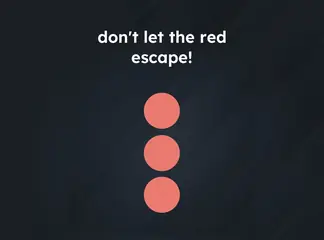 14Don’t Let the Red Escape!Android 14iPhone 14
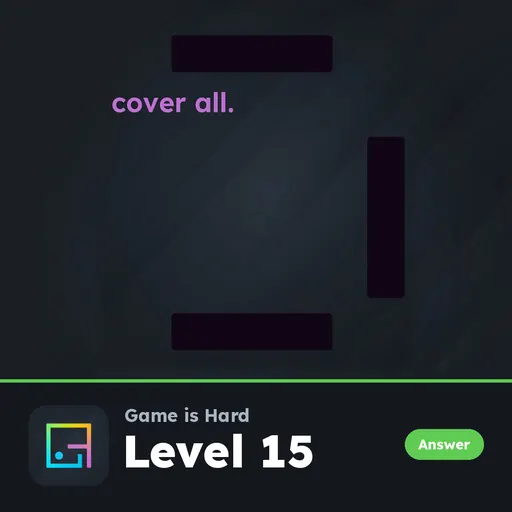
 15Cover AllAndroid 15iPhone 15
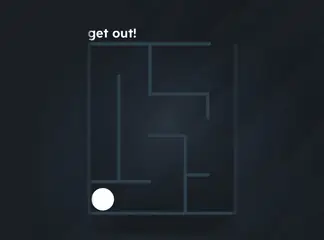 16Get Out!Android 16iPhone 16
 17Balance ItAndroid 17iPhone 17
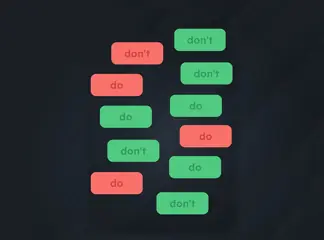 18Do or Don’tAndroid 18iPhone 18
 19Complete Their JourneyAndroid 19iPhone 19
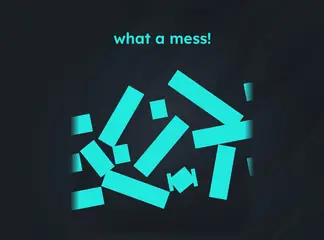 20What a Mess!Android 20iPhone 20
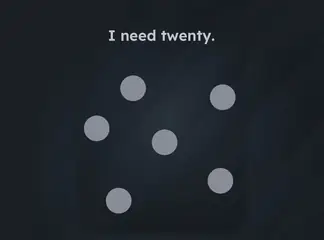 21I Need TwentyAndroid 21iPhone 149
 22How Patient Are You?Android 22iPhone 22
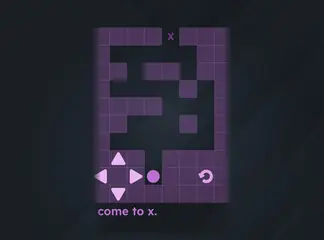 23Come to XAndroid 23iPhone 23
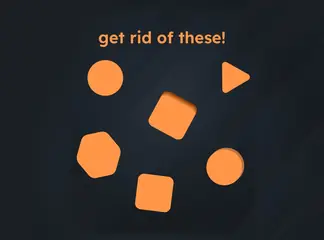 24Get Rid of These!Android 24iPhone 24
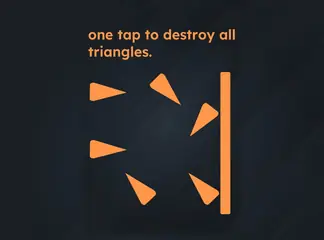 25One Tap to Destroy All TrianglesAndroid 25iPhone 157
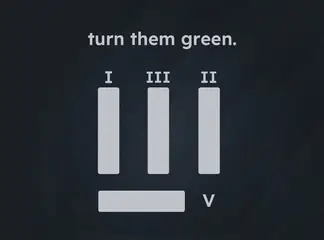 26Turn Them GreenAndroid 26iPhone 133
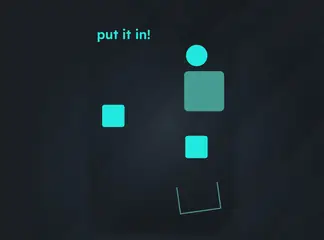 27Put It In!Android 27iPhone 27
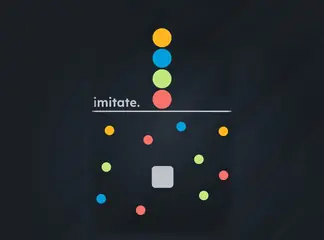 28ImitateAndroid 28iPhone 28
 29Let’s Move!Android 29iPhone 29
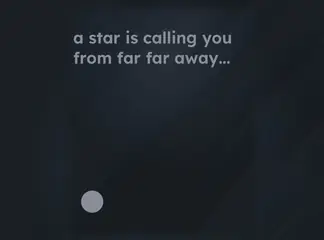 30A Star Is Calling YouAndroid 30iPhone 30
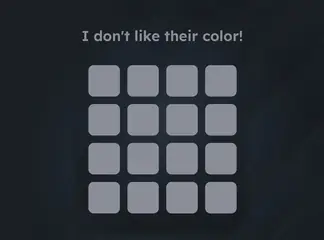 31I Don’t Like Their Color!Android 31iPhone 31
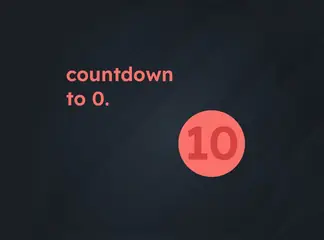 32Countdown to 0Android 32iPhone 32
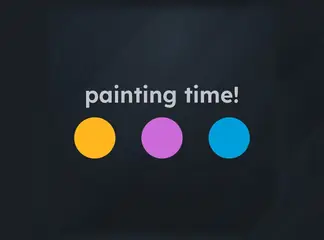 33Painting Time!Android 33iPhone 33
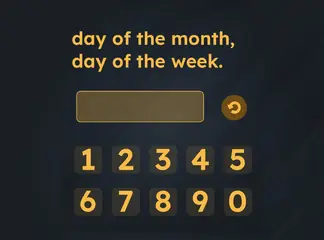 34Day of the Month, Day of the WeekAndroid 34iPhone 205
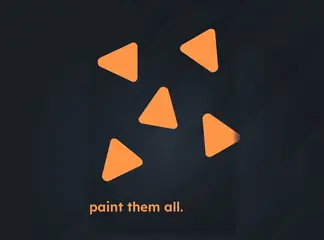 35Paint Them AllAndroid 35iPhone 35
 36Sean Was Very HardAndroid 36iPhone 36
 37Mirror MirrorAndroid 37iPhone 37
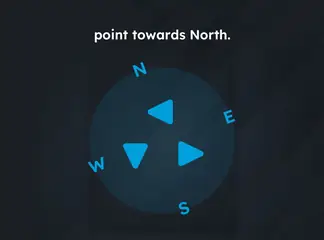 38Point Towards NorthAndroid 38iPhone 38
 39I Want Equality!Android 39iPhone 39
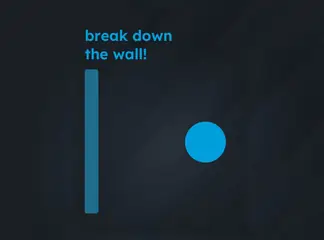 40Break Down the Wall!Android 40iPhone 40
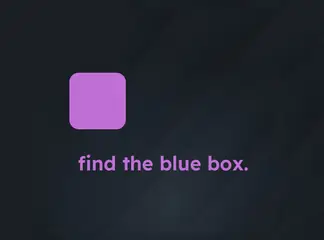 41Find the Blue BoxAndroid 41iPhone 41
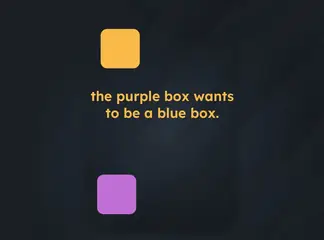 42The Purple Box Wants to Be a Blue BoxAndroid 42iPhone 42
 43How Many Pulses?Android 43iPhone 43
 44Enter Your PasswordAndroid 44iPhone 44
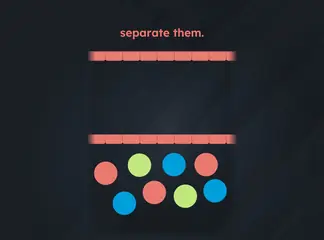 45Separate ThemAndroid 45iPhone 117
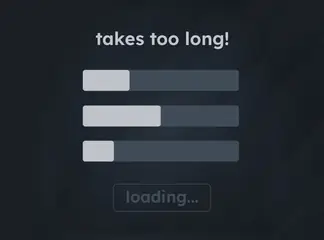 46Takes Too Long!Android 46iPhone 46
 47Set It Free!Android 47iPhone 47
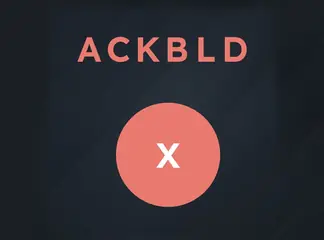 48ACKBLDAndroid 48iPhone 48
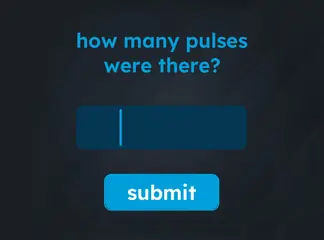 49How Many Pulses Were There?Android 49iPhone 49
 50Inishf VleelAndroid 50iPhone 50
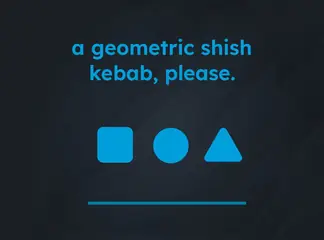 51A Geometric Shish Kebab, PleaseAndroid 51iPhone 206
 52Stop the Boxes!Android 52iPhone 52
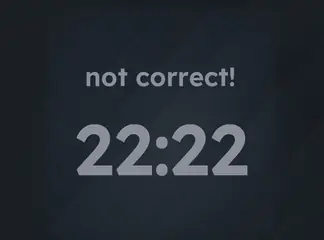 53Not Correct!Android 53iPhone 53
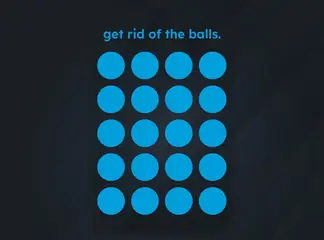 54Get Rid of the BallsAndroid 54iPhone 54
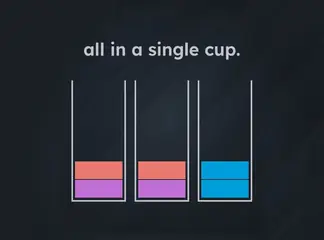 55All in a Single CupAndroid 55iPhone 207
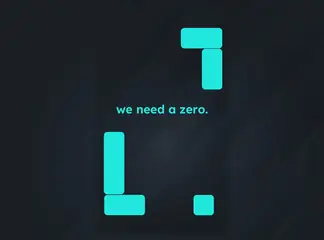 56We Need a ZeroAndroid 56iPhone 56
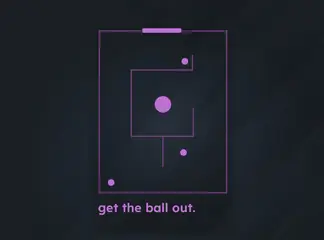 57Get the Ball OutAndroid 57iPhone 210
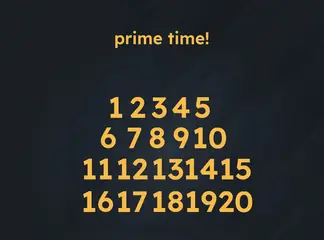 58Prime Time!Android 58iPhone 58
 59That’s the Sheriff!Android 59iPhone 59
 600 LapsAndroid 60iPhone 60
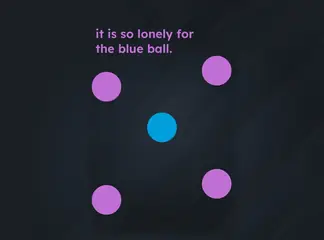 61It Is So Lonely for the Blue BallAndroid 61iPhone 61
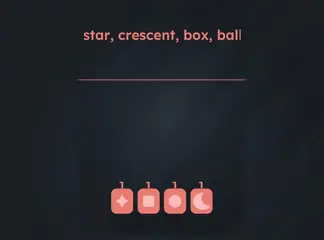 62Star, Crescent, Box, BallAndroid 62iPhone 62
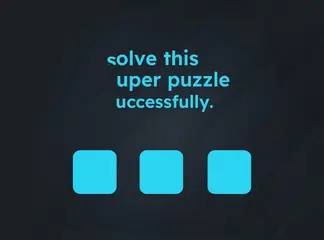 63Solve This Super Puzzle SuccessfullyAndroid 63iPhone 211
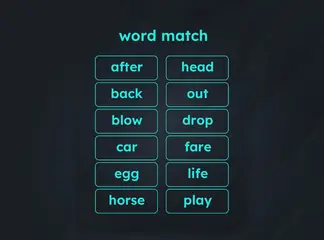 64Word MatchAndroid 64iPhone 64
 65Love Is in the AirAndroid 65iPhone 212
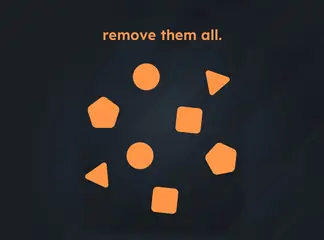 66Remove Them AllAndroid 66iPhone 66
 67Bring the Lovers TogetherAndroid 67iPhone 67
 68I Need Some RestAndroid 68iPhone 68
 69Pop the BallsAndroid 69iPhone 69
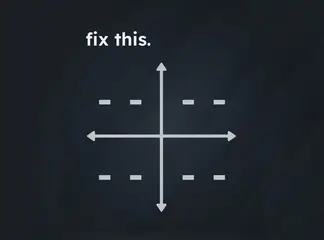 70Fix ThisAndroid 70iPhone 213
 71What Did I Need in 68?Android 71iPhone 71
 72I Have a Special Message for YouAndroid 72iPhone 72
 73This Is Level…Android 73iPhone 73
 74The <>X ClueAndroid 74iPhone 74
 75Red-Blue-Red-GreenAndroid 75iPhone 75
 76Turn Them OnAndroid 76iPhone 76
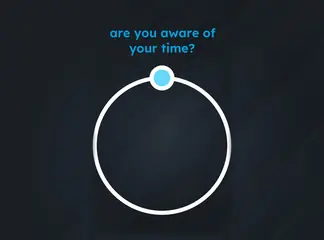 77Are You Aware of Your Time?Android 77iPhone 77
 78Do You Get My Secret Message?Android 78iPhone 78
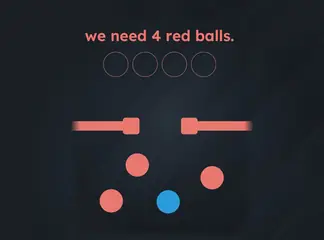 79We Need 4 Red BallsAndroid 79iPhone 79
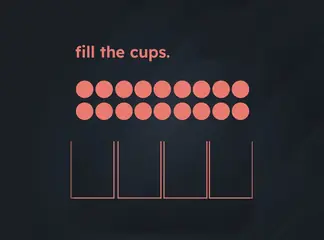 80Fill the CupsAndroid 80iPhone 80
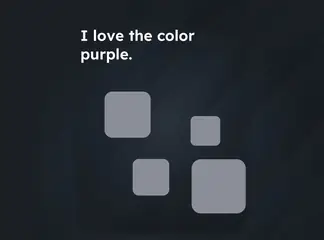 81I Love the Color PurpleAndroid 81iPhone 81
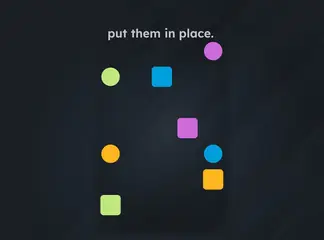 82Put Them in PlaceAndroid 82iPhone 82
 83How to Fix This?Android 83iPhone 83
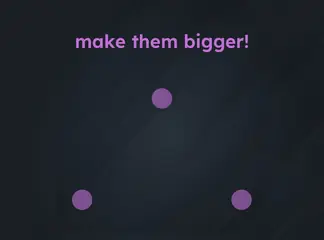 84Make Them Bigger!Android 84iPhone 84
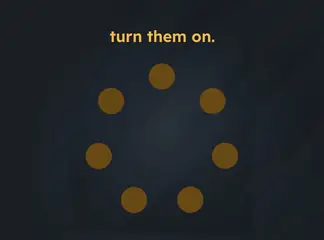 85Turn Them OnAndroid 85iPhone 85
 86XAndroid 86iPhone 86
 87One More to OneAndroid 87iPhone 87
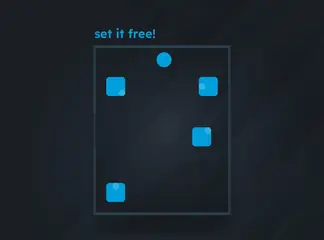 88Set It Free!Android 88iPhone 88
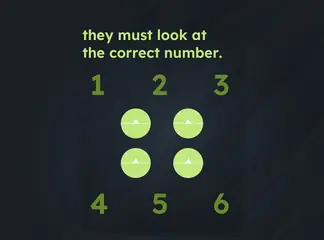 89They Must Look at the Correct NumberAndroid 89iPhone 89
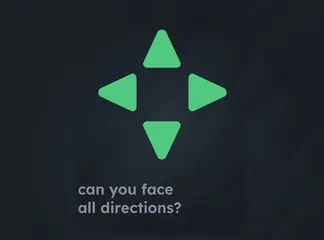 90Can You Face All Directions?Android 90iPhone 90
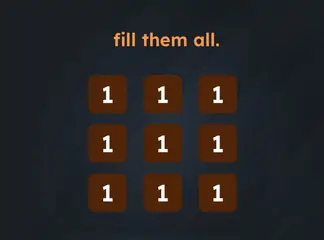 91Fill Them AllAndroid 91iPhone 91
 92Touch the Invisible BallAndroid 92iPhone 92
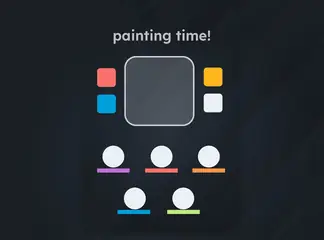 93Painting Time!Android 93iPhone 93
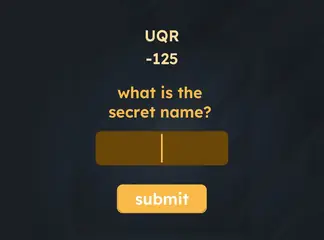 94What Is the Secret Name?Android 94iPhone 94
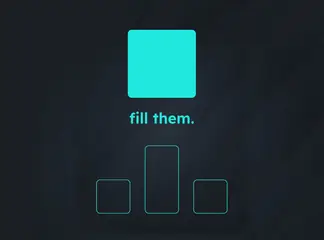 95Fill ThemAndroid 95iPhone 95
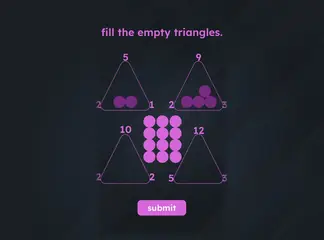 96Fill the Empty TrianglesAndroid 96iPhone 96
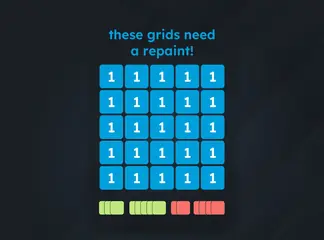 97These Grids Need a Repaint!Android 97iPhone 97
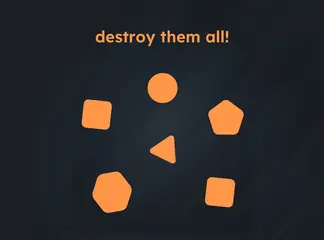 98Destroy Them All!Android 98iPhone 98
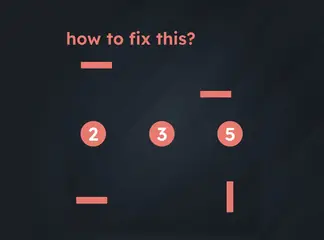 99How to Fix This?Android 99iPhone 99
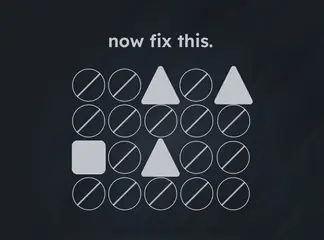 100Now Fix ThisAndroid 100iPhone 100
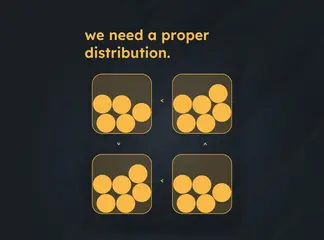 101We Need a Proper DistributionAndroid 101iPhone 101
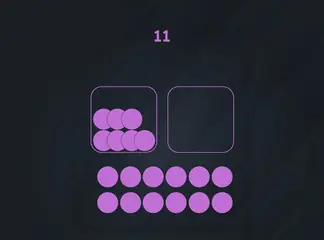 102ElevenAndroid 102iPhone 102
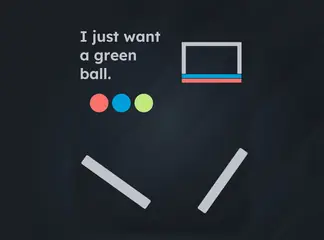 103I Just Want a Green BallAndroid 103iPhone 103
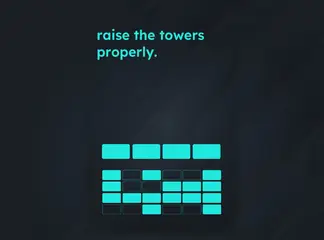 104Raise the Towers ProperlyAndroid 104iPhone 104
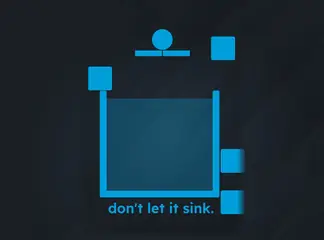 105Don’t Let It SinkAndroid 105iPhone 105
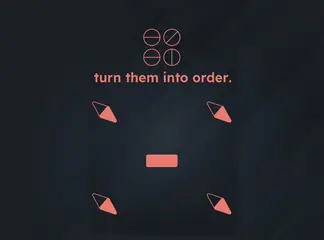 106Turn Them Into OrderAndroid 106iPhone 106
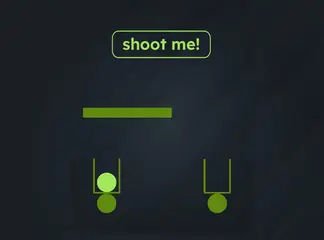 107Shoot Me!Android 107iPhone 107
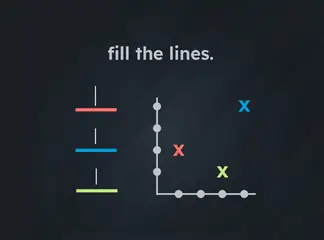 108Fill the LinesAndroid 108iPhone 108
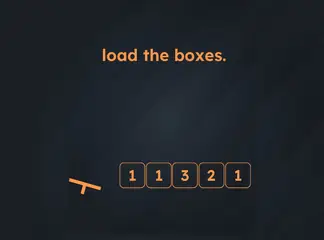 109Load the BoxesAndroid 109iPhone 109
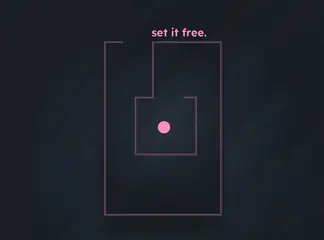 110Set It FreeAndroid 110iPhone 110
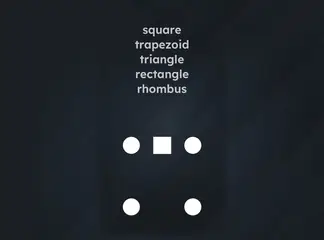 111Square, Trapezoid, Triangle, Rectangle, RhombusAndroid 111iPhone 111
 112The Ball Desires the BoxAndroid 112iPhone 112
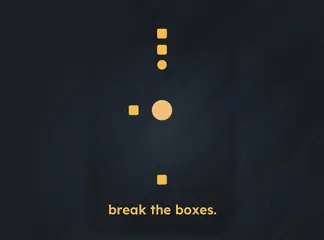 113Break the BoxesAndroid 113iPhone 113
 114Break the BoxAndroid 114iPhone 114
 115Not Empty, Not Full!Android 115iPhone 115
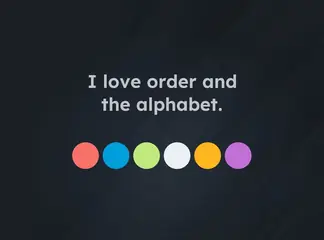 116I Love Order and the AlphabetAndroid 116iPhone 116
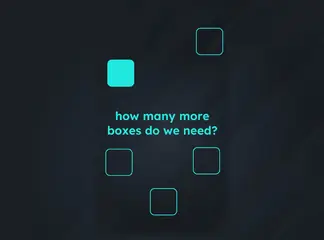 117How Many More Boxes Do We Need?Android 117iPhone 45
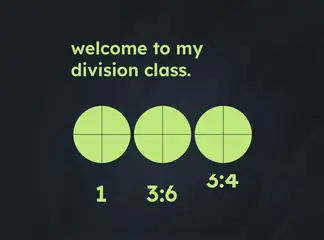 118Welcome to My Division ClassAndroid 118iPhone 118
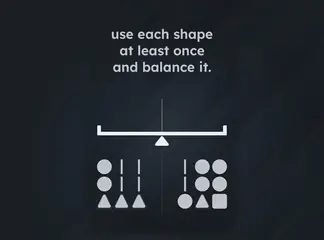 119Use Each Shape at Least Once and Balance ItAndroid 119iPhone 119
 120Show Me My ExAndroid 120iPhone 214
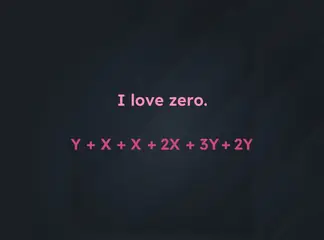 121I Love ZeroAndroid 121iPhone 121
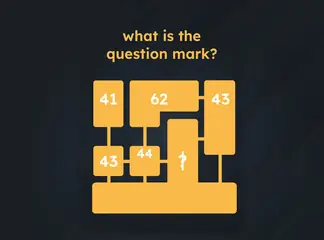 122What Is the Question Mark?Android 122iPhone 122
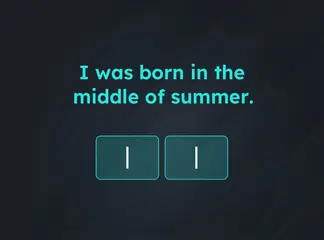 123I Was Born in the Middle of SummerAndroid 123iPhone 123
 124SatellitesAndroid 124iPhone 124
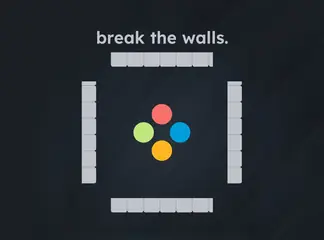 125Break the WallsAndroid 125iPhone 125
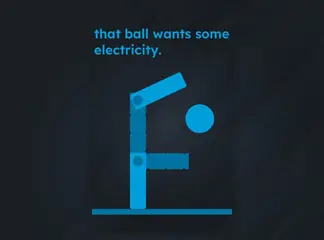 126That Ball Wants Some ElectricityAndroid 126iPhone 126
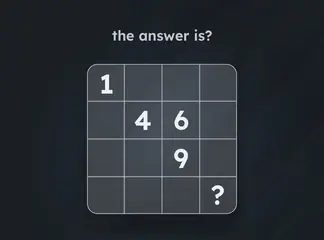 127The Answer Is?Android 127iPhone 127
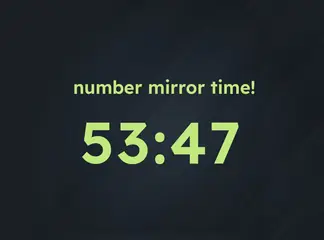 128Number Mirror Time!Android 128iPhone 128
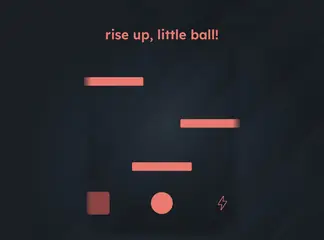 129Rise Up, Little Ball!Android 129iPhone 129
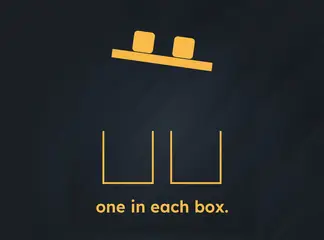 130One in Each BoxAndroid 130iPhone 130
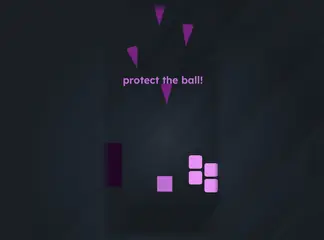 131Protect the Ball!Android 131iPhone 131
 132How Many Triangles Were Attacking the Ball?Android 132iPhone 132
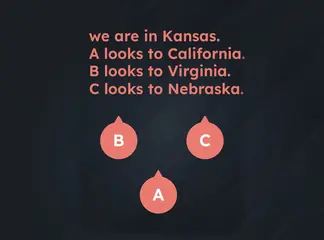 133We Are in KansasAndroid 133iPhone 204
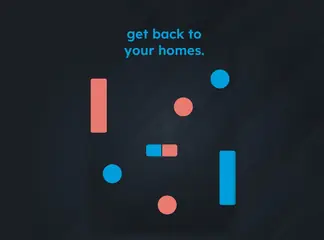 134Get Back to Your HomesAndroid 134iPhone 134
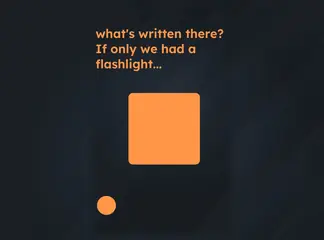 135What’s Written There?Android 135iPhone 135
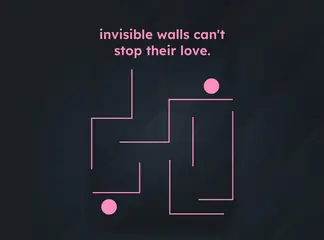 136Invisible Walls Can’t Stop Their LoveAndroid 136iPhone 136
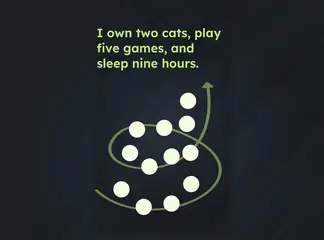 137I Own Two Cats, Play Five Games, and Sleep Nine HoursAndroid 137iPhone 137
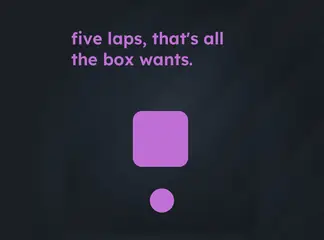 138Five Laps, That’s All the Box WantsAndroid 138iPhone 138
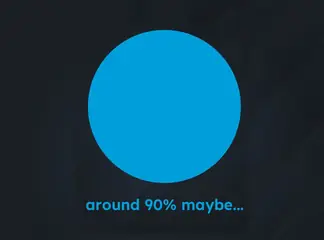 139Around 90% MaybeAndroid 139iPhone 139
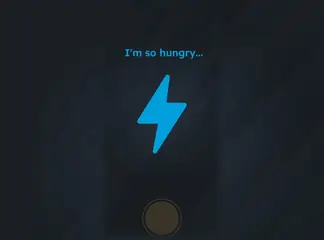 140I’m So HungryAndroid 140iPhone 140
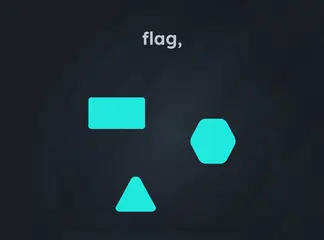 141Flag, Moon, StarAndroid 141iPhone 141
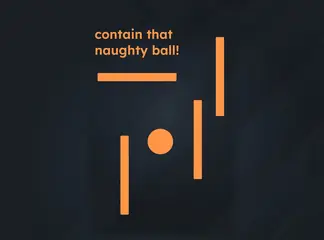 142Contain That Naughty Ball!Android 142iPhone 142
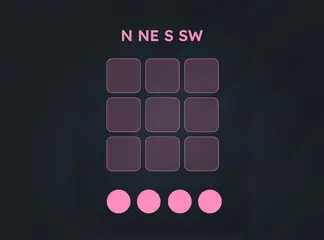 143N NE S SWAndroid 143iPhone 143
 144We Need an Upside-Down LAndroid 144iPhone 144
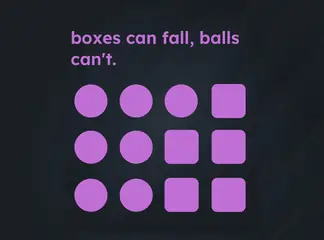 145Boxes Can Fall, Balls Can’tAndroid 145iPhone 145
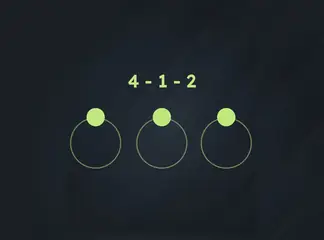 1464 – 1 – 2Android 146iPhone 146
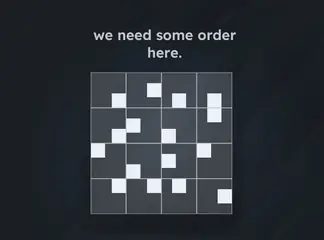 147We Need Some Order HereAndroid 147iPhone 147
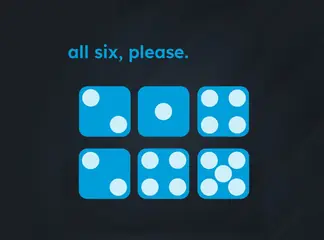 148All Six, PleaseAndroid 148iPhone 148
 149Point One East and the Other WestAndroid 149iPhone 202
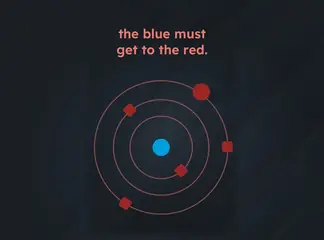 150The Blue Must Get to the RedAndroid 150iPhone 150
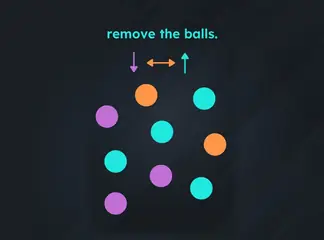 151Remove the BallsAndroid 151iPhone 151
 152Fill the BoardAndroid 152iPhone 152
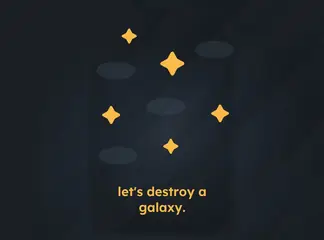 153Let’s Destroy a GalaxyAndroid 153iPhone 153
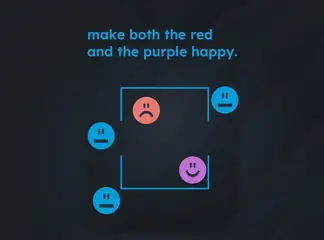 154Make Both the Red and the Purple HappyAndroid 154iPhone 154
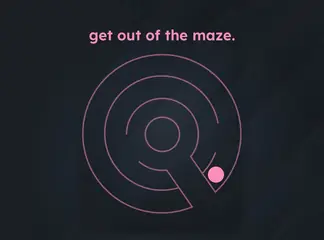 155Get Out of the MazeAndroid 155iPhone 155
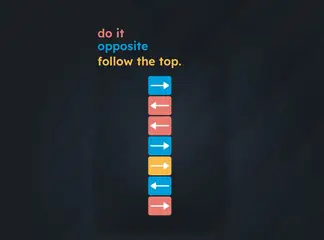 156Do It / Opposite / Follow the TopAndroid 156iPhone 156
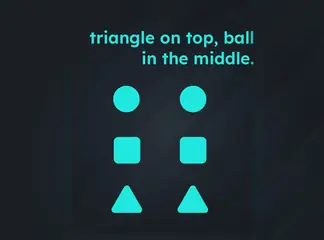 157Triangle on Top, Ball in the MiddleAndroid 157iPhone 203
 158Right, Left, Up, and, DownAndroid 158iPhone 158
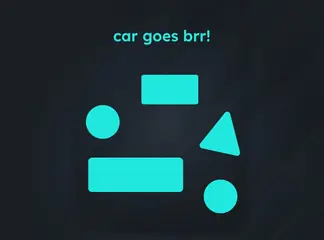 159Car Goes Brr!Android 159iPhone 159
 160Time to Fly HighAndroid 160iPhone 216
 161The Ball Collects the XsAndroid 161iPhone 161
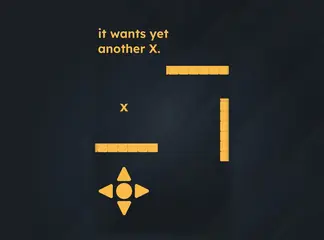 162It Wants Yet Another XAndroid 162iPhone 162
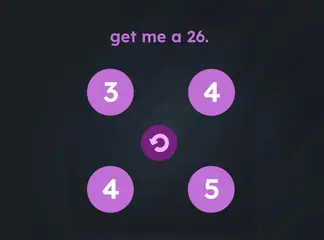 163Get Me a 26Android 163iPhone 163
 164Need for SpeedAndroid 164iPhone 164
 165Into the BasketAndroid 165iPhone 165
 166Tuesday, Friday, and SundayAndroid 166iPhone 166
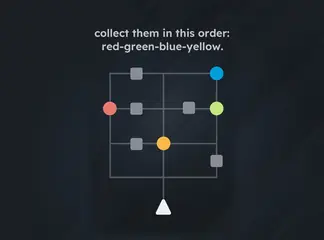 167Collect Them in This Order: Red-Green-Blue-YellowAndroid 167iPhone 167
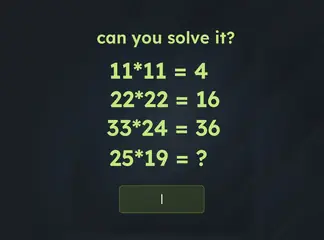 168Can You Solve It?Android 168iPhone 201
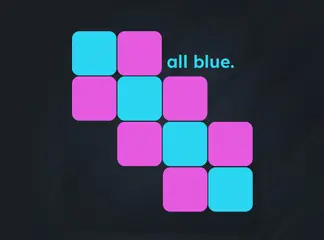 169All BlueAndroid 169iPhone 169
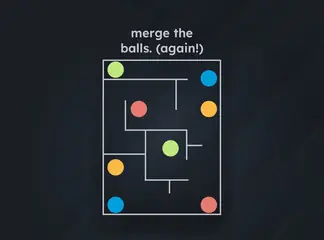 170Merge the Balls (Again!)Android 170iPhone 170
 171Nice to Meet You!Android 171iPhone 171
 172Provide Some EqualityAndroid 172iPhone 172
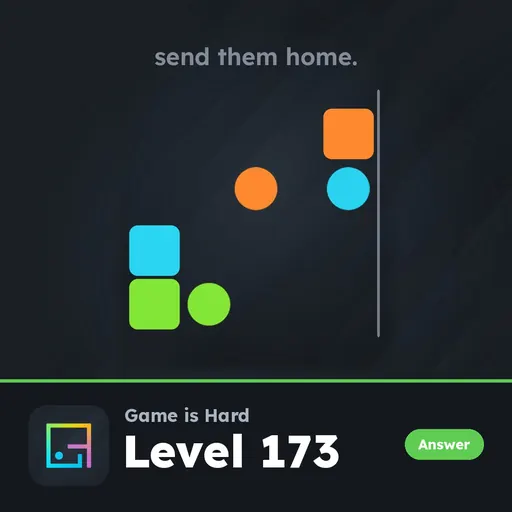
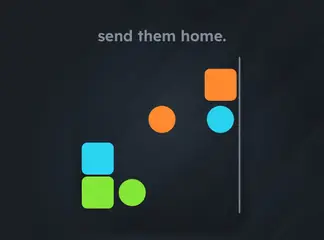 173Send Them HomeAndroid 173iPhone 173
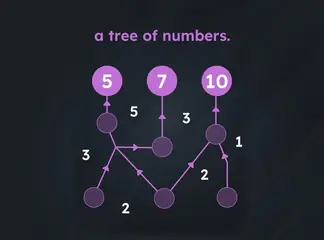 174A Tree of NumbersAndroid 174iPhone 174
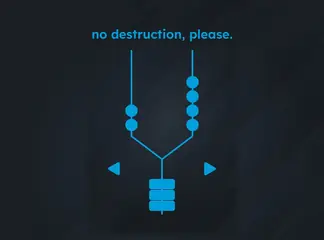 175No Destruction, PleaseAndroid 175iPhone 217
 176Fix the ConnectionsAndroid 176iPhone 176
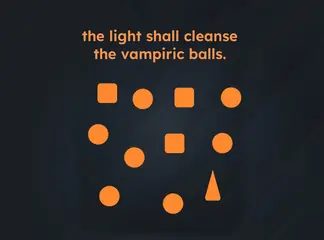 177The Light Shall Cleanse the Vampiric BallsAndroid 177iPhone 177
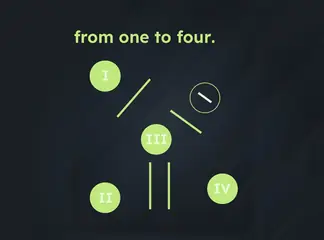 178From One to FourAndroid 178iPhone 178
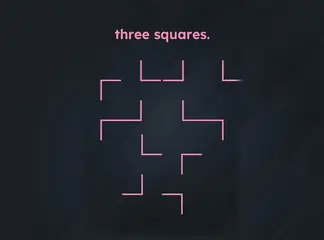 179Three SquaresAndroid 179iPhone 179
 180Escape the Maze!Android 180iPhone 180
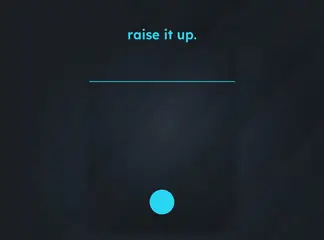 181Raise It UpAndroid 181iPhone 181
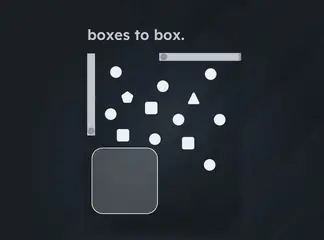 182Boxes to BoxAndroid 182iPhone 182
 183You Shouldn’t Be in Trouble!Android 183iPhone 183
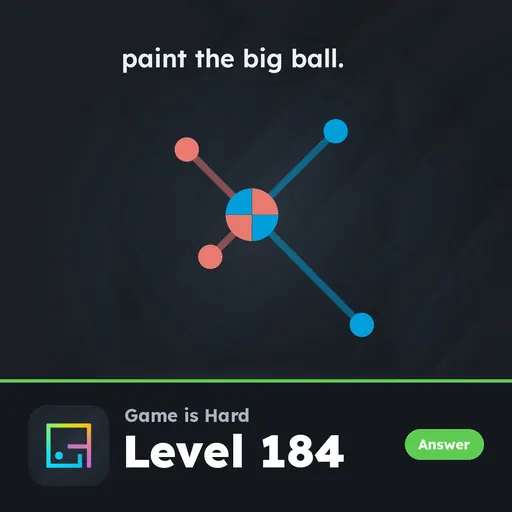
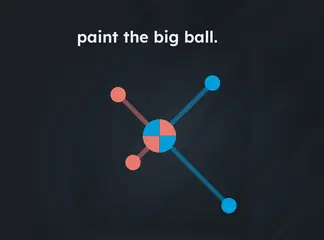 184Paint the Big BallAndroid 184iPhone 184
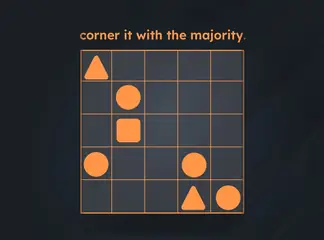 185Corner It With the MajorityAndroid 185iPhone 218
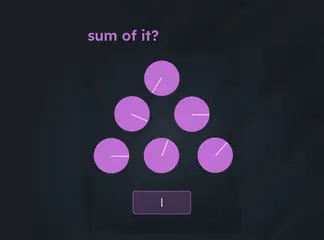 186Sum of It?Android 186iPhone 186
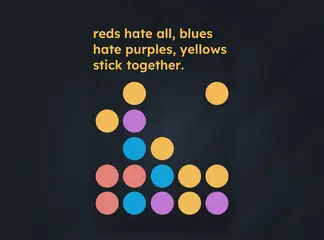 187Reds Hate All, Blues Hate Purples, Yellows Stick TogetherAndroid 187iPhone 187
 188It Goes South, Then Moves UpAndroid 188iPhone 188
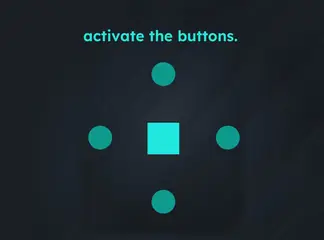 189Activate the ButtonsAndroid 189iPhone 189
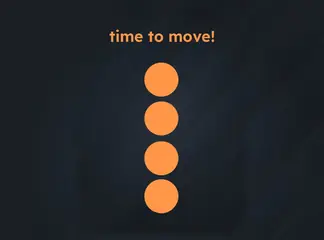 190Time to Move!Android 190iPhone 190
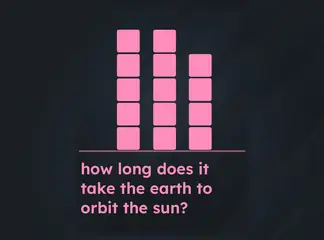 191How Long Does It Take the Earth to Orbit the Sun?Android 191iPhone 191
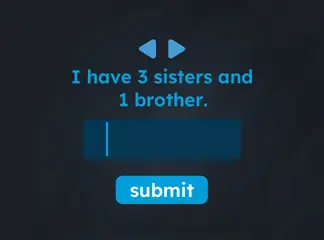 192How Many Kids Does My Mom’s Mom Have?Android 192iPhone 192
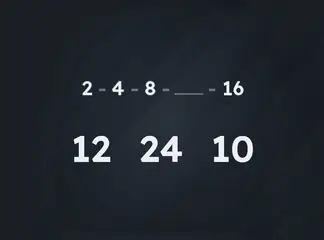 1932 – 4 – 8 – ? – 16Android 193iPhone 193
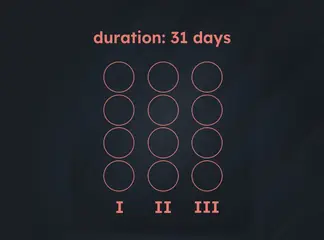 194Duration: 31 DaysAndroid 194iPhone 194
 195Time for a HaircutAndroid 195iPhone 195
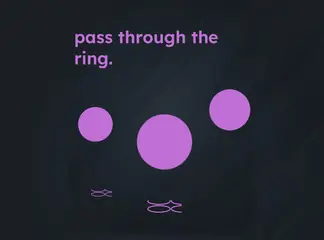 196Pass Through the RingAndroid 196iPhone 196
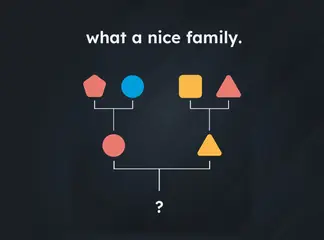 197What a Nice FamilyAndroid 197iPhone 197
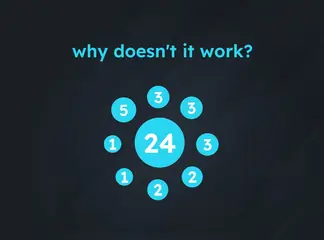 198Why Doesn’t It Work?Android 198iPhone 198
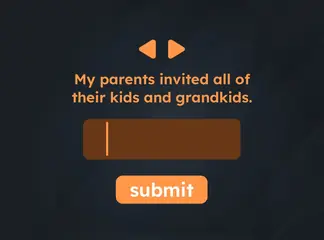 199How Many Men Are There at the Dinner?Android 199iPhone 199
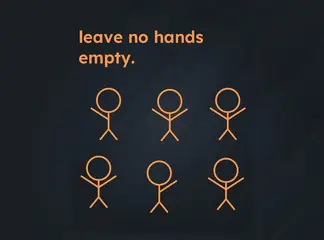 200Leave No Hands EmptyAndroid 200iPhone 208
 201How Many Legs Were There?Android 201iPhone 209
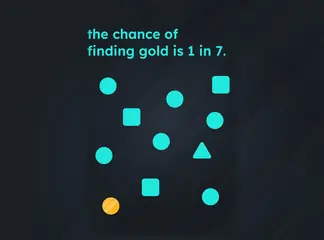 202The Chance of Finding Gold Is 1 in 7Android 202iPhone 219
 203Don’t Let It Fall DownAndroid 203iPhone 220
 204Rise Steadily and Fall Down SharplyAndroid 204iPhone 221
 205What’s the Next Number?Android 205iPhone 222
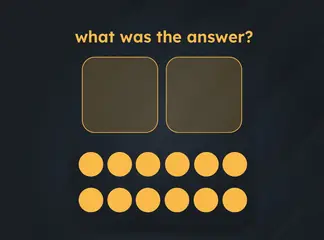 206What Was the Answer?Android 206iPhone 223
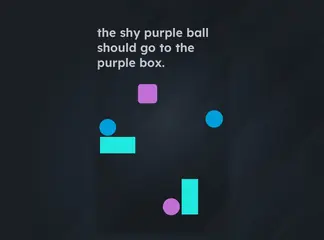 207The Shy Purple Ball Should Go to the Purple BoxAndroid 207iPhone 224
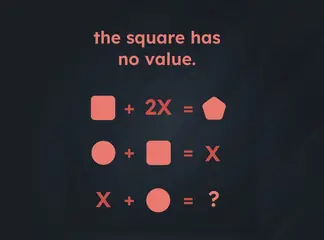 208The Square Has No ValueAndroid 208iPhone 226
 209Complete the MechanismAndroid 209iPhone 227
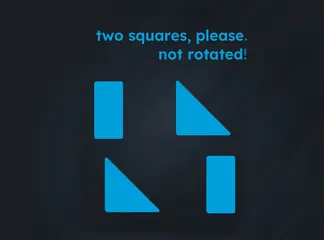 210Two Squares, Please. Not Rotated!Android 210iPhone 228
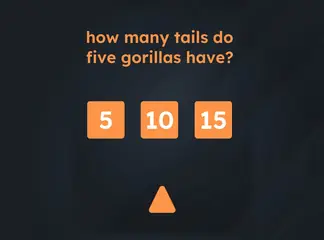 211How Many Tails Do Five Gorillas Have?Android 211iPhone 229
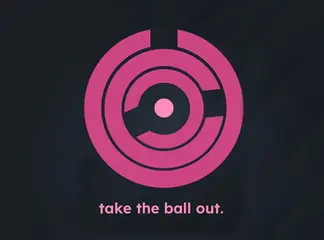 212Take the Ball OutAndroid 212iPhone 230
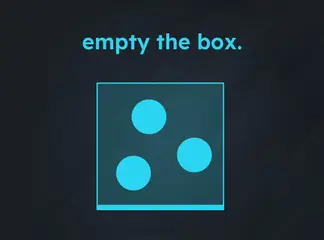 213Empty the BoxAndroid 213iPhone 231
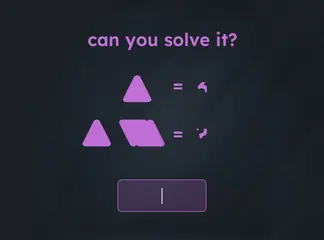 214Can You Solve It? (Triangles)Android 214iPhone 232
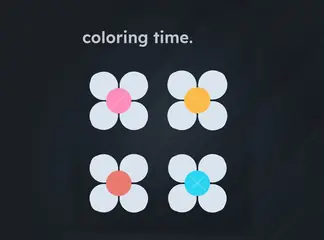 215Coloring TimeAndroid 215iPhone 233
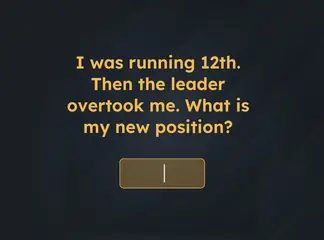 216What Is My New Position?Android 216iPhone 234
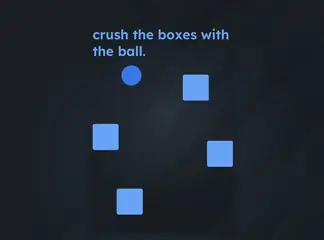 217Crush the Boxes With the BallAndroid 217iPhone 235
 218Crush the Balls!Android 218iPhone 236
 219Show Me the Planned ObsolescenceAndroid 219iPhone 237
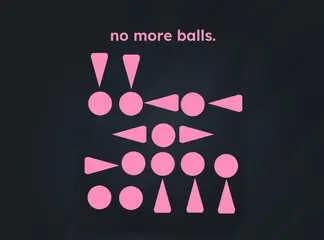 220No More BallsAndroid 220iPhone 238
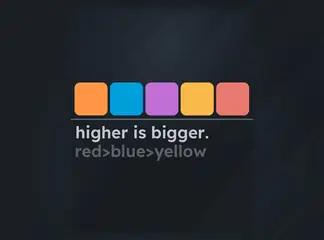 221Higher Is BiggerAndroid 221iPhone 239
 222Leave Me Alone for a Moment!Android 222iPhone 240
 223Show Me Your Decryption Mastery!Android 223iPhone 241
 224Tap the Numbers in a Certain PatternAndroid 224iPhone 242
 225One Down or One UpAndroid 225iPhone 243
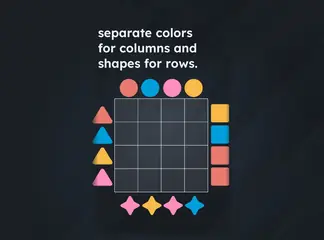 226Separate Colors for Columns and Shapes for RowsAndroid 226iPhone 244
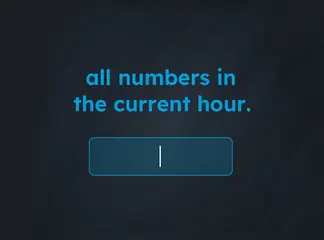 227All Numbers in the Current HourAndroid 227iPhone 245
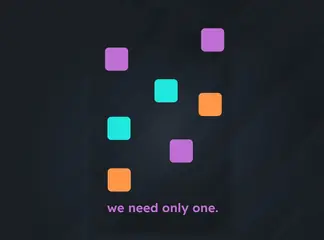 228We Need Only OneAndroid 228iPhone 246
 229That Looks EasyAndroid 229iPhone 247
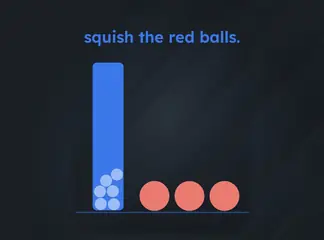 230Squish the Red BallsAndroid 230iPhone 248
 231The Number in My Mind Is…Android 231iPhone 249
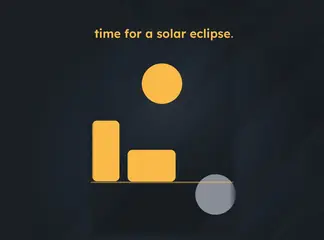 232Time for a Solar EclipseAndroid 232iPhone 251
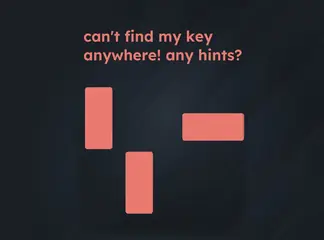 233Can’t Find My Key Anywhere! Any Hints?Android 233iPhone 252
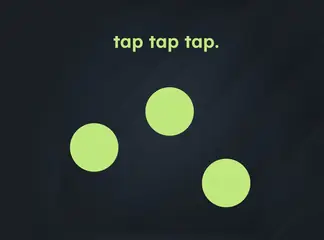 234Tap Tap TapAndroid 234iPhone 253
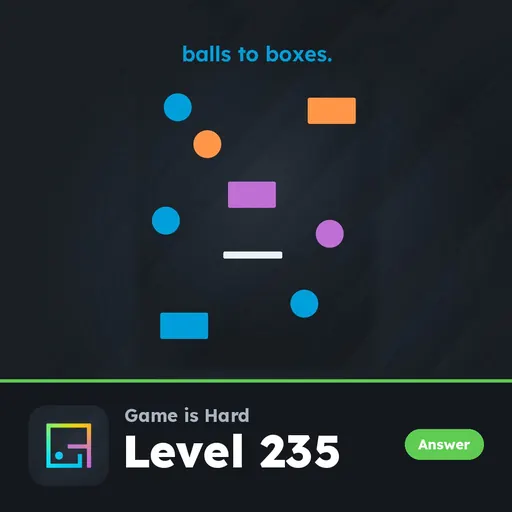
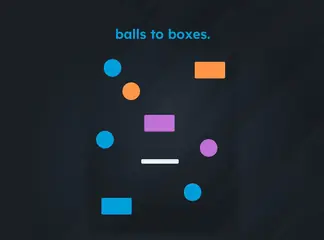 235Balls to BoxesAndroid 235iPhone 254
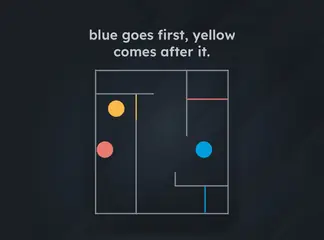 236Blue Goes First, Yellow Comes After ItAndroid 236iPhone 255
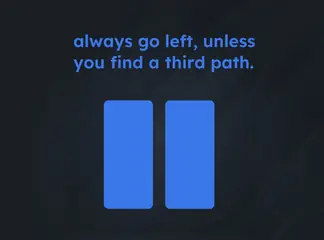 237Always Go Left, Unless You Find a Third PathAndroid 237iPhone 256
 238All Look to Your Up!Android 238iPhone 257
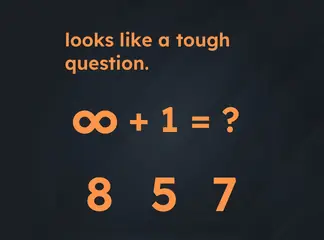 239Looks Like a Tough QuestionAndroid 239iPhone 258
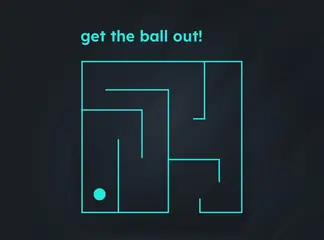 240Get the Ball Out!Android 240iPhone 259
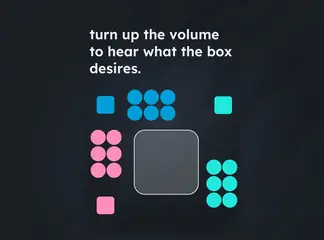 241Turn Up the Volume to Hear What the Box DesiresAndroid 241iPhone 260
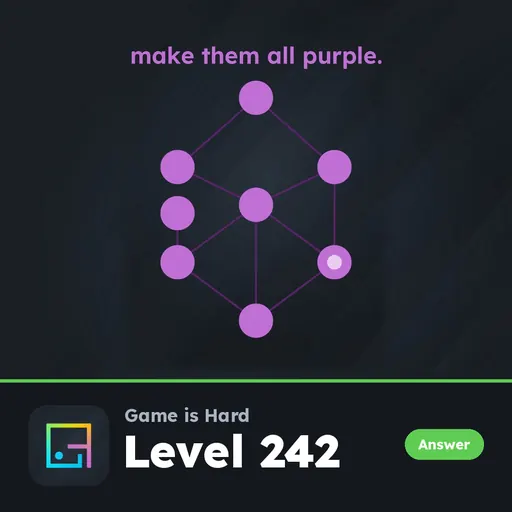
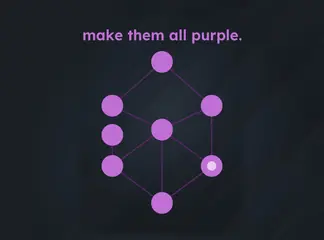 242Make Them All PurpleAndroid 242iPhone 261
 243Unfold ItAndroid 243iPhone 262
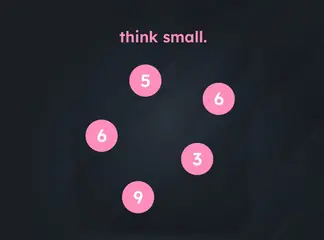 244Think SmallAndroid 244iPhone 263
 245Respect Solitaire RulesAndroid 245iPhone 264
 246Horizontal GrowthAndroid 246iPhone 265
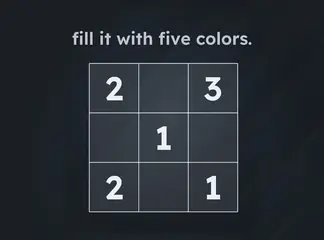 247Fill It With Five ColorsAndroid 247iPhone 266
 248Rowdy CategorizationAndroid 248iPhone 267
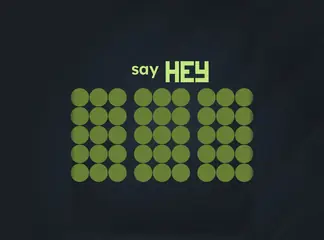 249SayAndroid 249iPhone 268
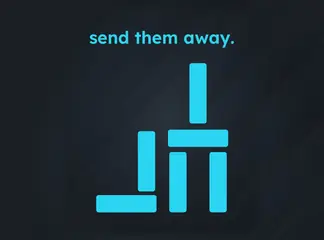 250Send Them AwayAndroid 250iPhone 269
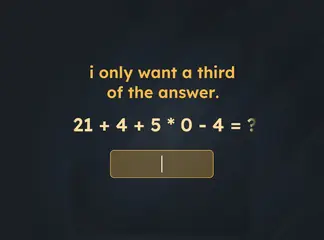 251I Only Want a Third of the AnswerAndroid 251iPhone 271
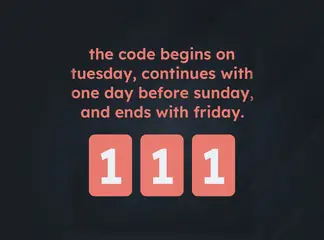 252The Code Begins on TuesdayAndroid 252iPhone 272
 253Find the BallsAndroid 253iPhone 273
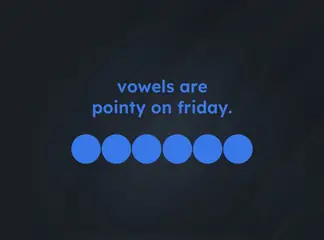 254Vowels Are Pointy on FridayAndroid 254iPhone 274
 255Destroy the BoxesAndroid 255iPhone 275
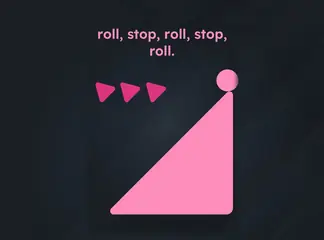 256Roll, Stop, Roll, Stop, RollAndroid 256iPhone 276
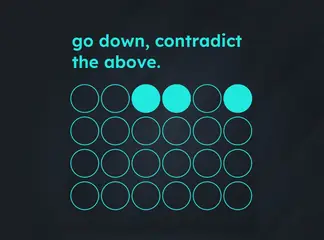 257Go Down, Contradict the AboveAndroid 257iPhone 277
 258Go Thinner, Then ShorterAndroid 258iPhone 278
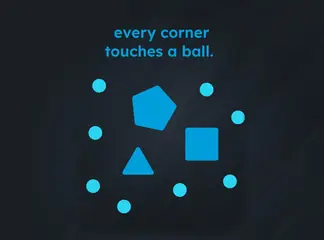 259Every Corner Touches a BallAndroid 259iPhone 279
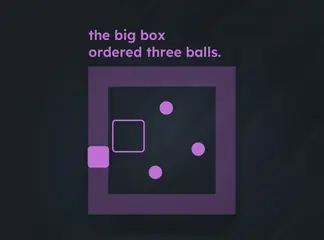 260The Big Box Ordered Three BallsAndroid 260iPhone 281
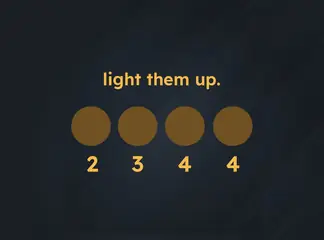 261Light Them UpAndroid 261iPhone 282
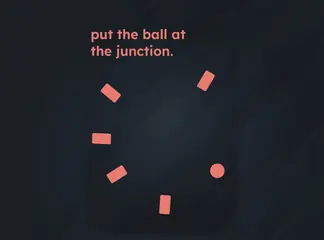 262Put the Ball at the JunctionAndroid 262iPhone 283
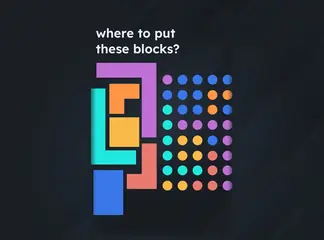 263Where to Put These Blocks?Android 263iPhone 284
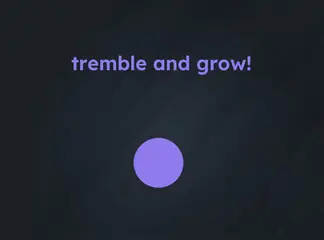 264Tremble and Grow!Android 264iPhone 285
 265Have You Played Wordle?Android 265iPhone 286
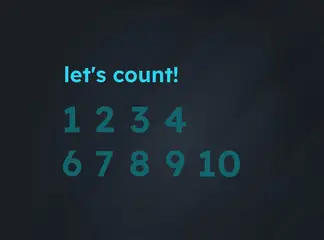 266Let’s Count!Android 266iPhone 287
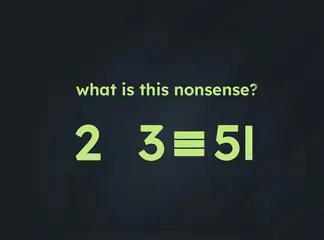 267What Is This Nonsense?Android 267iPhone 288
 268You Can’t Scare My Brave Personality!Android 268iPhone 289
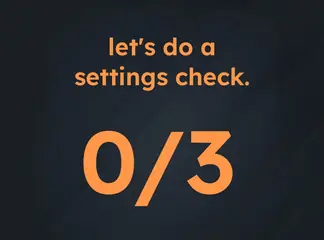 269Let’s Do a Settings CheckAndroid 269iPhone 290
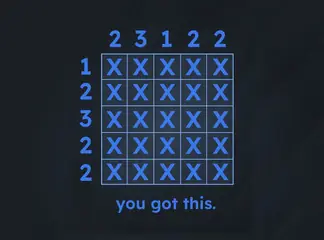 270You Got This.Android 270iPhone 291
 271Don’t You Love Halving?Android 271iPhone 292
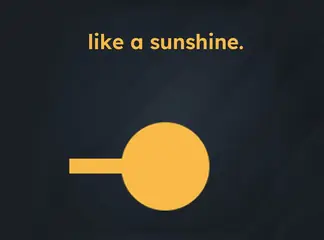 272Like a SunshineAndroid 272iPhone 293
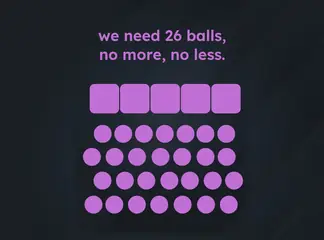 273We Need 26 Balls, No More, No LessAndroid 273iPhone 294
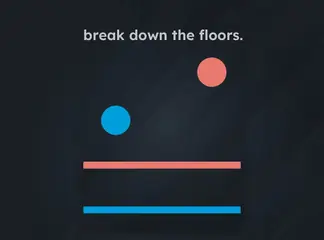 274Break Down the FloorsAndroid 274iPhone 295
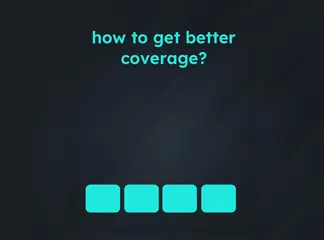 275How to Get Better Coverage?Android 275iPhone 296
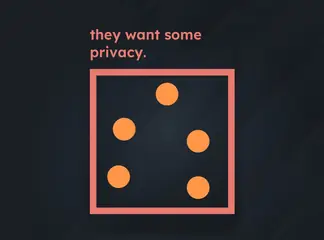 276They Want Some PrivacyAndroid 276iPhone 297
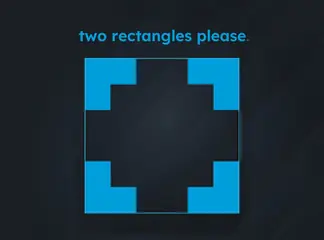 277Two Rectangles PleaseAndroid 277iPhone 298
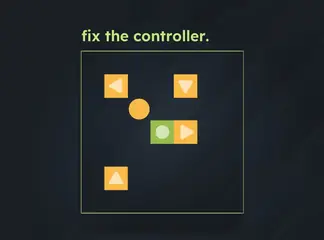 278Fix the ControllerAndroid 278iPhone 299
 8I Can’t Hear Anything!iPhone 8
 21Say Cheese!iPhone 21
 25Too Dark, Can’t See Anything!iPhone 25
 26Whisper, Talk, Speak, ShoutiPhone 26
 34Huh?iPhone 34
 51I Wonder How It Feels in a CaveiPhone 51
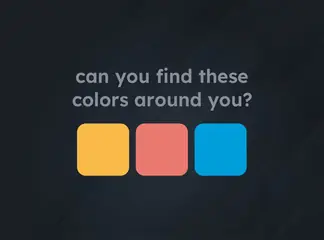 55Can You Find These Colors Around You?iPhone 55
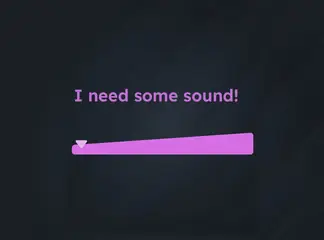 57I Need Some Sound!iPhone 57
 63Whisper, Shout, Cry, Owl, Cat, Laugh, DogiPhone 63
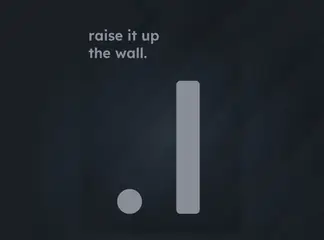 65Raise It Up the WalliPhone 65
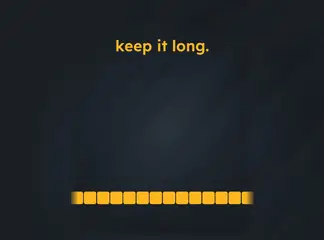 70Keep It LongiPhone 70
Game is Hard tips and tricks
Every level in Game is Hard is built around one idea: the obvious move is the wrong one. Before you open an answer, try these five habits. They solve a surprising number of levels on their own, and they make the hints much easier to use.
- Read the words exactly as written.Most levels hide the solution in the wording. A line that sounds like a normal instruction often means something more literal.
- Check the whole screen, not just the shapes.The level number, the title text and the hint bar can all be tapped, dragged or counted.
- Use the phone itself.Some answers need you to shake, tilt or turn the phone, or press the volume buttons.
- Turn the sound on and allow permissions.Levels that listen, look or play a clue stay stuck until the game can use the speaker, microphone or camera.
- Open one hint at a time.On each answer page, the first hint is a gentle nudge and the second is more direct, so you can stop before the full solution.
Levels that use your phone, not just the screen
Sound on
Your voice
Camera
Light and dark
Compass and direction
Clock and calendar
Tricky level types to watch for
Memory levels
Word and letter puzzles
Phone settings and “fix this” levels
- Level 269: Let’s Do a Settings Check (iPhone 290)
- Level 70: Fix This (iPhone 213)
- Level 83: How to Fix This?
- Level 100: Now Fix This
- Level 278: Fix the Controller (iPhone 299)
Same title, different puzzle
Android and iPhone level numbers
Android and iPhone share most levels, but about 100 of them sit at a different number on iPhone, and 11 levels exist only on iPhone, several of them built around the microphone, the camera or the light in your room. Type your level number in the search box above and you will see both versions, or tap iPhone next to “Number by” to sort the whole list by iPhone numbers.